Quick Answer & Key Takeaways
Yes — you can manage Google Drive, Microsoft OneDrive, and Dropbox in one app using a zero-copy multi-cloud workspace like KeepCloud (built by ROXLI), a local desktop sync client, or a web cloud-transfer dashboard. KeepCloud connects directly via official OAuth 2.0 APIs, indexes metadata without copying file bytes, and lets AstraClaw AI search inside documents and scans across every connected account.
- Zero file duplication: KeepCloud leaves original files inside Google Drive, OneDrive, Dropbox, and Telegram Cloud Storage instead of cloning them.
- Multi-account support: Connect personal and work Google Drive or OneDrive accounts side by side with clear provider badges.
- Content-level search: AstraClaw AI reads inside PDFs, Office files, and scanned photos in English, Hindi, and Hinglish.
- Free to start: KeepCloud's Free tier connects up to 3 cloud accounts at ₹0 with no credit card required.
Why juggling separate Drive, OneDrive, and Dropbox apps breaks down
Most people end up split across three clouds by accident: Android and personal photos go to Google Drive, Microsoft 365 work spreadsheets live in OneDrive, and older client folders or shared archives sit in Dropbox. Each provider offers its own search bar, sharing link dialog, and login session.
The friction hits when you need one specific file — an invoice, a scanned ID, or a travel confirmation — and cannot remember which account holds it. Switching browser tabs, logging out of work profiles, and running the same keyword search three times turns a ten-second lookup into minutes of hunting.
Options to combine Google Drive, OneDrive, and Dropbox in one app
Not every multi-cloud tool works the same way. Depending on whether you want unified search, local hard-drive mirroring, or scheduled cloud-to-cloud backups, tools fall into five distinct categories:
| Approach & Example | Storage Model | In-File AI & OCR Search | Platforms | Best For |
|---|---|---|---|---|
| Unified AI Vault (KeepCloud) | Zero-copy OAuth metadata index; files remain in source clouds | Yes — AstraClaw AI 5-agent OCR, 768-dim vectors, SigLIP 2, English/Hindi/Hinglish | Web, macOS (.dmg), Android (.apk), Windows & iOS PWA | Unified browsing, cross-cloud AI content search, and universal sharing without disk bloat |
| Desktop Sync Client (e.g., Insync) | Two-way local folder sync onto your PC or Mac disk | Relies on local OS filename/Spotlight/Windows search | Windows, macOS, Linux desktop | Offline editing inside Finder or File Explorer with local storage headroom |
| Web Transfer Dashboard (e.g., MultCloud) | Cloud-to-cloud migration & scheduled transfer proxy | Filename/basic cloud listing across mounted drives | Web browser | Moving or backing up large folders directly between cloud providers |
| CLI / Mount Utility (e.g., Rclone / RcloneView) | Command-line or FUSE mount over provider APIs | Filename and path matching only | Windows, macOS, Linux | Developers and power users automating scripted transfers or mounts |
| OS File Managers (Apple Files / Windows) | Separate provider extensions per installed desktop/mobile app | Fragmented per provider extension | macOS/iOS or Windows | Light manual browsing when only one account per cloud is needed |
For a deeper side-by-side breakdown of architectural trade-offs, read our comparison of KeepCloud vs MultCloud vs Insync.
How KeepCloud unites all three clouds without duplicating files
KeepCloud (built by ROXLI / KeepCloud India at keepcloud.in) is designed as an intelligent lens over your existing storage rather than another silo. When you authorize Google Drive, Microsoft OneDrive, Dropbox, or Telegram Cloud Storage (@KeepCloud_AI_bot; MEGA integration is marked Coming Soon in the Integrations hub), KeepCloud never copies your original files onto KeepCloud servers.
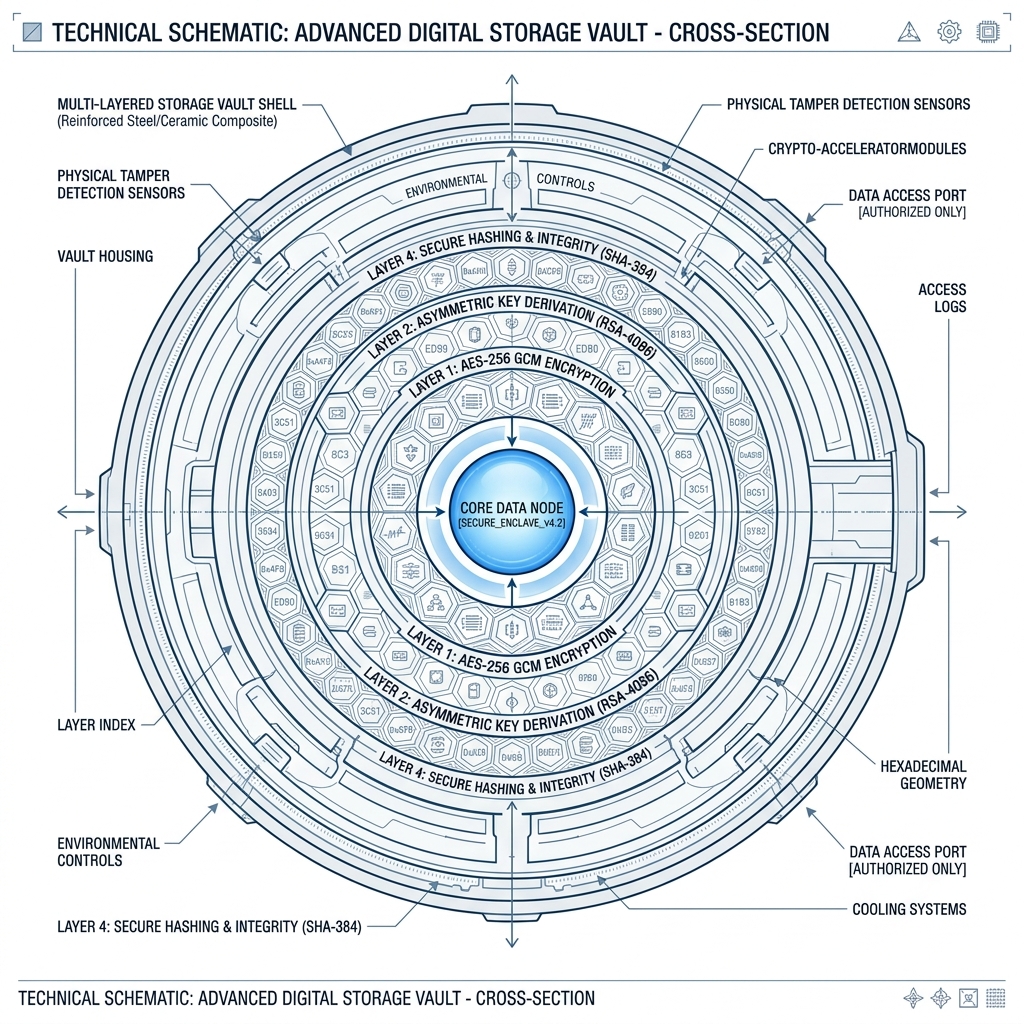
- Official OAuth 2.0 + AES-256-GCM: Access and refresh tokens are encrypted at rest with a unique 12-byte random nonce per operation and an isolated encryption key. Read the full AES-256-GCM credential security breakdown.
- Incremental delta sync: Paid tiers keep folders fresh using Google's Changes API, Dropbox cursors, and Microsoft Graph
deltaLinktokens, while the Free tier lets you import specific files cleanly via Google Picker. See how KeepCloud delta sync works. - Multiple accounts per provider: Link both personal and work accounts for Google Drive or OneDrive in the same file browser without signing out.
Step-by-step: Connect Google Drive, OneDrive, and Dropbox in under 2 minutes
- Create your KeepCloud account: Visit KeepCloud Sign Up on the web, or install the native desktop or mobile app from KeepCloud Downloads (macOS Apple Silicon/Intel
.dmg, Android.apk, and Windows/iOS PWA). - Authorize your cloud accounts: Open the Integrations panel and connect Google Drive, Microsoft OneDrive, and Dropbox through each provider's official consent screen (plus optional Telegram Cloud QR pairing).
- Browse one unified vault: Your metadata index populates progressively so folders and recent files appear within seconds, tagged with subtle provider and account badges.
- Search or share across clouds: Run natural-language searches with AstraClaw AI or generate clean, optional password-protected share links that preview images, PDFs, audio, and video across any provider.
Searching and sharing across every connected cloud
Once your accounts are connected, KeepCloud replaces three separate search bars with a single unified query box. AstraClaw AI's architecture combines filename/metadata lookup, provider content APIs, adaptive OCR for scanned PDFs and photos, 768-dimensional semantic vectors, and SigLIP 2 visual understanding — plus document summarization and Q&A with clickable Source Cards inside Intelligence Hub.
Need to send a spreadsheet from OneDrive and a contract from Google Drive to the same client? KeepCloud's universal file sharing layer creates consistent, revocable links with inline browser previews — and recipients do not need a KeepCloud account.

Frequently Asked Questions
Can I access Google Drive, OneDrive, and Dropbox in one app for free?
Yes. KeepCloud's Free plan (₹0) lets you connect up to 3 cloud accounts — such as Google Drive, Microsoft OneDrive, and Dropbox — and includes 3 AstraClaw AI searches per day with no credit card required.
Does combining my clouds in KeepCloud move or duplicate my files?
No. KeepCloud uses a zero-copy OAuth architecture. Your files stay inside Google Drive, OneDrive, Dropbox, and Telegram Cloud Storage; KeepCloud indexes metadata and streams previews or downloads on demand through an authenticated proxy.
Can I connect multiple Google Drive or OneDrive accounts at once?
Yes. KeepCloud supports multiple accounts per provider — for example, both a personal and a work Google Drive alongside OneDrive and Dropbox — with account badges on every file.
Which platforms does KeepCloud run on?
KeepCloud runs in any modern web browser, as a native macOS app (.dmg for Apple Silicon and Intel), as a native Android APK, and as an installable Progressive Web App (PWA) for Windows 10/11 and iOS.